Quick Answer:
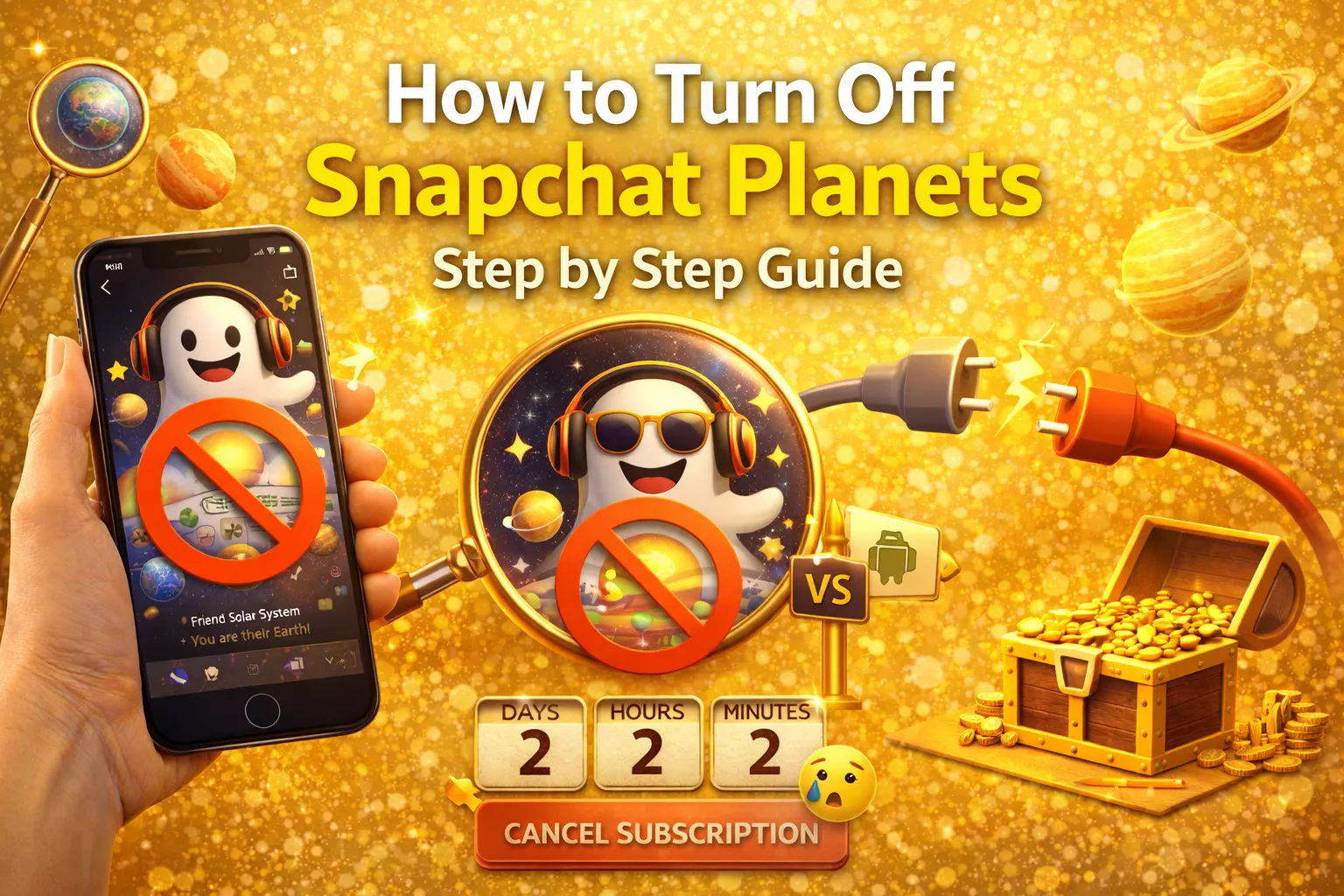
To turn off Snapchat Planets, open Snapchat, tap your profile (Bitmoji), tap the Snapchat+ banner, and switch off Friend Solar System. The planets disappear from your view right away. You do NOT need to cancel Snapchat+ — your subscription and all other Plus features keep working.
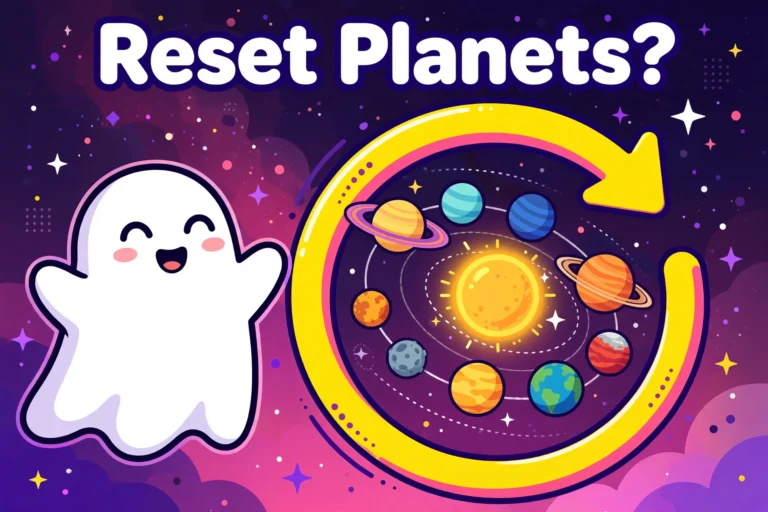
Snapchat Planets is a feature that comes with Snapchat+, which is the paid version of Snapchat. It shows your top 8 best friends as planets in a solar system. The closer the planet is to you, the more you talk and interact with that person. Even though it may sound fun, many people feel uncomfortable or stressed about it, or they simply do not like this feature.
If you are someone who wants to remove this feature, you are in the right place. This guide will clearly explain how you can opt out of Snapchat Planets, what happens after you turn it off, and if there is any way to keep Snapchat+ without using the Planets feature. Everything is explained in very simple and easy steps so you can understand it without any confusion.
How to Turn Off Snapchat Planets Step by Step Guide?
You no longer need to cancel your Snapchat+ subscription to get rid of Planets. Your Snapchat+ settings include a Friend Solar System toggle that hides the planets in seconds while everything else keeps working. Follow the simple steps below:
How to Switch Off the Solar System Toggle
- Open Snapchat and tap your Bitmoji (profile icon) in the top left corner.
- Tap the Snapchat+ banner with the star icon to open your Snapchat+ settings.
- Find the Friend Solar System option (it may appear as Solar System) and switch the toggle off. That is it. The planets disappear from your view immediately, and your Snapchat+ subscription stays active with all its other features.
Why Do People Want to Turn Off Snapchat Planets?
There are many real reasons why people choose to turn off this feature. Even though it may look fun at first, not everyone feels comfortable using it.
- Privacy concerns: Some people do not like others knowing their position in someone’s friend list. It can feel too personal because it shows how much or how little you talk to a person. Not everyone wants their friendships to be ranked or shown like this.
- Anxiety and pressure: When you see that you are on a far planet in someone’s solar system, it can feel upsetting. It may create stress or overthinking in friendships that were completely normal before.
- Unwanted comparisons: Knowing your rank among someone’s top friends can lead to jealousy or awkward talks. People may start comparing themselves with others, which can create unnecessary drama.
- Simply not interested: Many users just do not care about friendship rankings. They prefer a simple and clean Snapchat experience without extra features that track or show friend positions.
Can You Turn Off Snapchat Planets Without Canceling Snapchat+?
Yes. The toggle described above turns off only the Planets feature while your Snapchat+ subscription keeps working. Canceling Snapchat+ also removes planets, but it is the extreme option — it takes away every Plus feature, not just the solar system. Most people who just want the planets gone should use the toggle, not cancel.
What Happens After You Turn Off Snapchat Planets?
- The solar system disappears from YOUR view. You will no longer see planets when you open friends’ profiles.
- Your other Snapchat+ features keep working. Only the planets are hidden.
- Friends are not notified. Snapchat sends no alert that you switched it off.
- You can switch it back on anytime from the same Snapchat+ settings screen.
If I Turn Off Solar System, Can Friends Still See Their Planet?
Yes, they can. The toggle only controls what YOU see. Your friends who have Snapchat+ with the feature switched on can still open your profile and see which planet they are on your list. The solar system is per-viewer: your switch hides their planets from you, but it does not hide you from their view. The good news is they only ever see their own planet — never your full best friends list.
Conclusion:
You do not need to cancel Snapchat+ to get rid of planets. The Friend Solar System toggle in your Snapchat+ settings switches the feature off in seconds while everything else keeps working. Just remember the toggle only changes your own view — friends with Snapchat+ can still see their planet on your profile. If that bothers you, the only full exit is canceling Snapchat+ itself.
Frequently Asked Questions:
Is Snapchat Planets permanent?
No. Snapchat Planets is not permanent. It is based on your activity from the last seven days, such as snaps and chats. This means the planets can change over time depending on who you interact with the most.
Can I subscribe to Snapchat+ again later?
Yes, you can subscribe to Snapchat+ again at any time through the App Store or Google Play Store. Once you subscribe again, the Planets feature and other Snapchat+ features will automatically return to your account.
Can someone see my planet without Snapchat+?
No. Only Snapchat+ users can see the Friend Solar System feature. If someone does not have Snapchat+, they cannot see planets on profiles.
Why can’t I see Snapchat Planets even though I have Snapchat+?
Sometimes the feature is not enabled in your Snapchat+ settings. Make sure the Friend Solar System option is turned on inside Snapchat+. Also, updating the app can fix this issue.
Can Snapchat Planets cause friendship issues?
Some users feel that the ranking system can create misunderstandings or jealousy. This is one reason why many people choose to turn it off.
Does turning off the Solar System hide my best friends list from others?
No. It only hides the planets from your own view. Friends with Snapchat+ can still see their own planet on your profile.



2 Comments