Snapchat Planets: Meanings, Order & Best Friend Rankings 2026)
Snapchat ranks your closest friends as planets in a private solar system. Discover what each planet means and how your Best Friends ranking works in Snapchat+
What are Snapchat Planets?
Snapchat Planets are part of the Snapchat Plus Best Friends feature that turns your top friendships into a fun solar system. You are the Sun, and your closest friends are assigned planets based on how often you interact with them. The friend you snap and chat with most becomes Mercury, while lower-ranked friends appear farther away. Rankings change over time based on your activity, streaks, and chats.
How Does the Snapchat Planet System Work?
Snapchat tracks your interactions with each friend and assigns them a planet based on your overall engagement. The more you interact, the closer their planet is to your Sun.
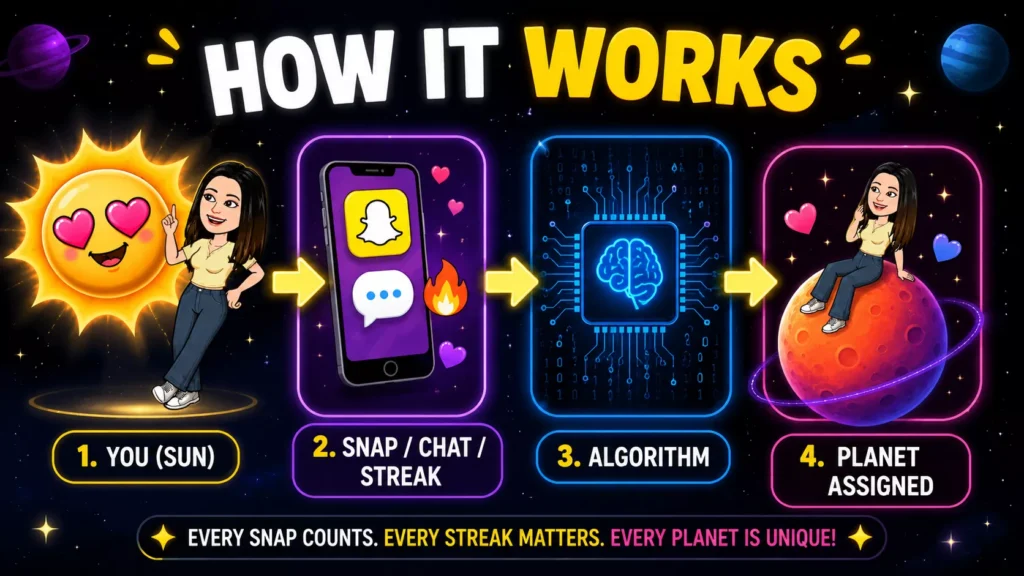
The friend with the highest interaction score becomes Mercury. The lowest score in your top 8 becomes Neptune. Your planet position is different for every friend and is completely private: only you can see it.
Snapchat Planets Order & Meanings
Each Snapchat planet represents a different position in your Best Friends list. The closer a planet is to the Sun, the more you interact with that friend through chats, snaps, streaks, and overall activity on Snapchat+
Mercury
#1 Best Friend
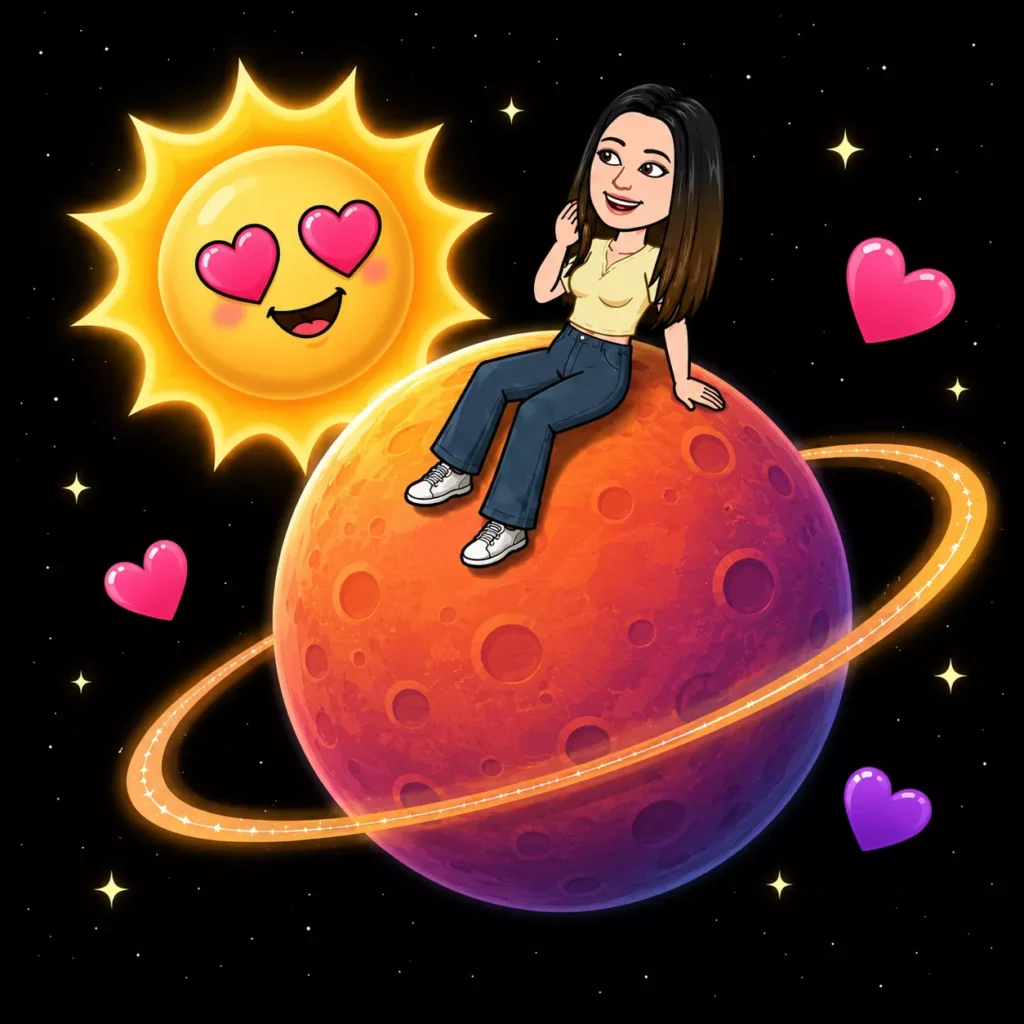
Mercury represents the friend you interact with the most on Snapchat. This person is your closest connection based on chats, snaps, streaks, and daily activity.

Venus
#2 Best Friend
Venus represents your 2nd closest friend on Snapchat. You share frequent snaps, active streaks, and regular conversations with this person.
Earth
#3 Best Friend
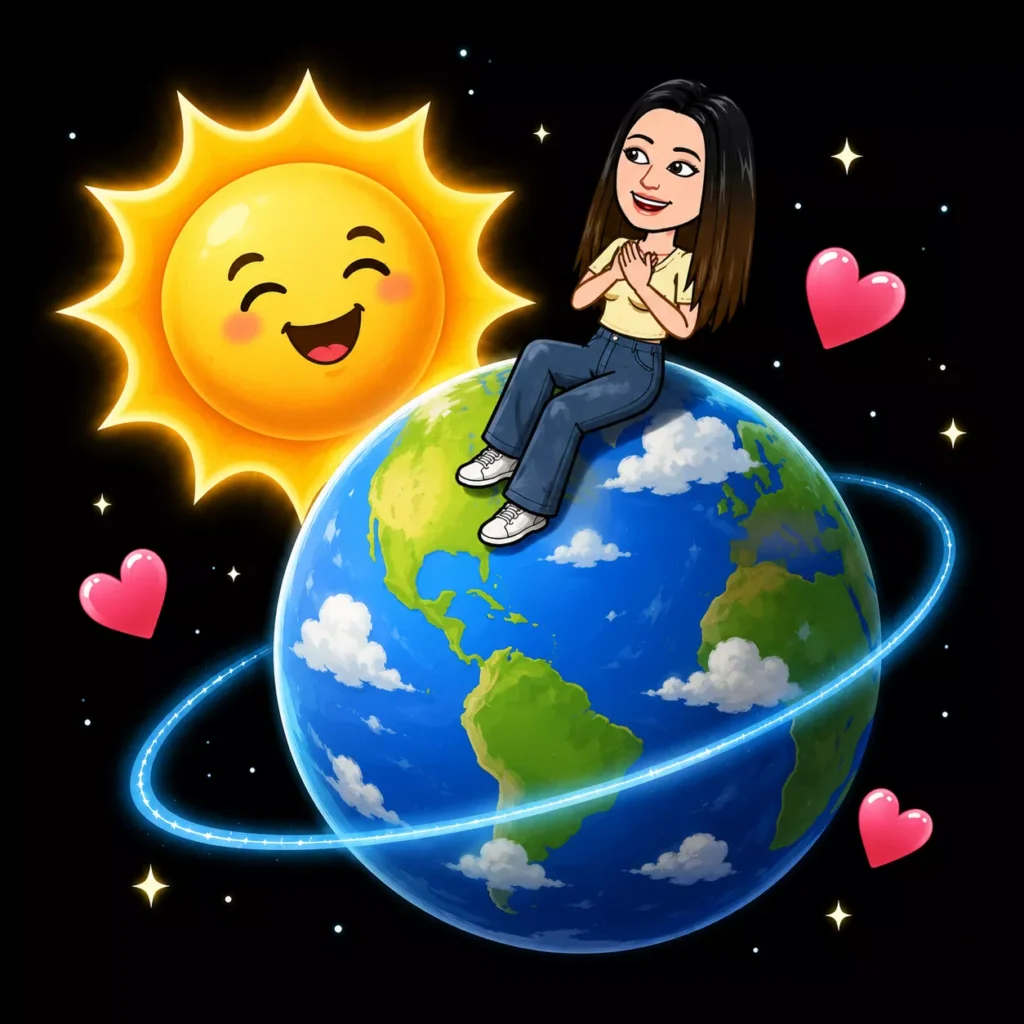
Earth represents one of your strongest Snapchat friendships. You regularly exchange snaps, maintain streaks, and stay highly connected.
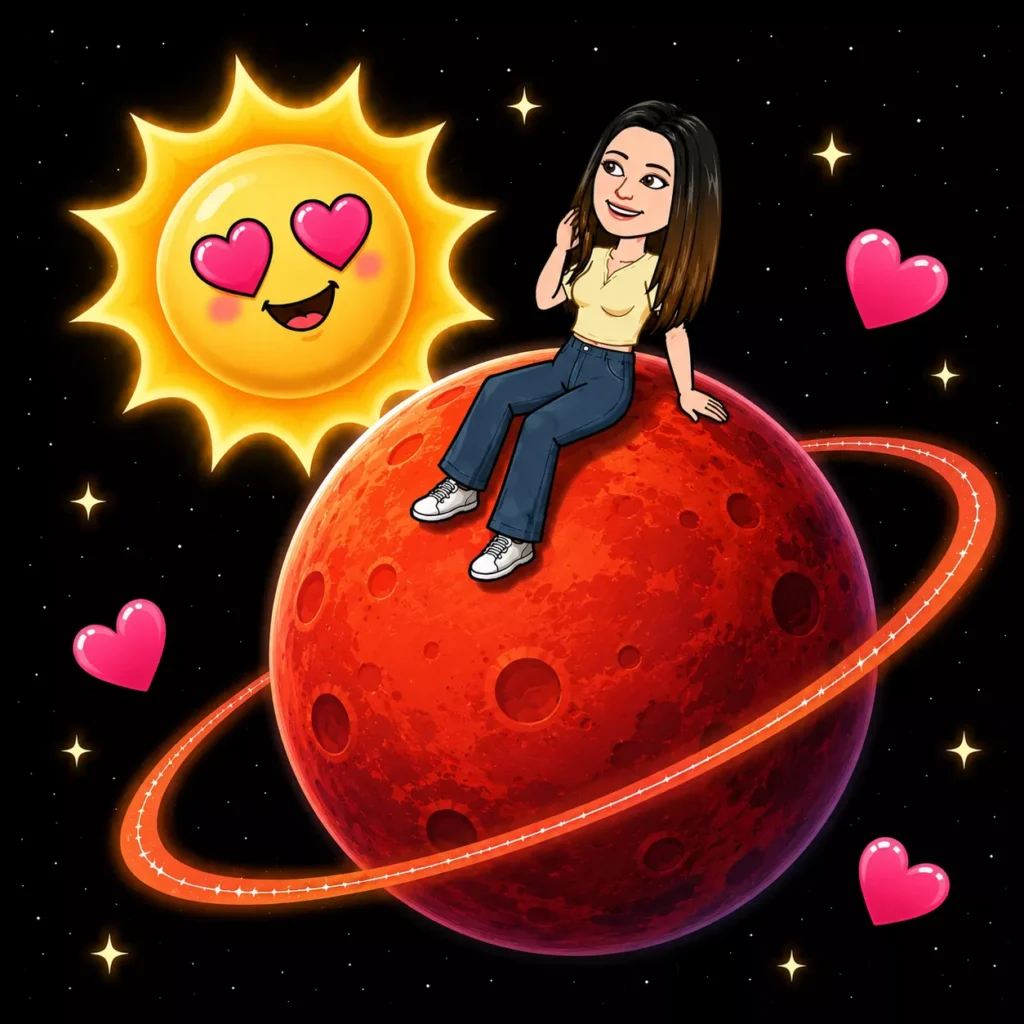
Mars
#4 Best Friend
Mars appears when someone is among your top active Snapchat friends. Your interactions remain consistent through chats, snaps, and shared activity.
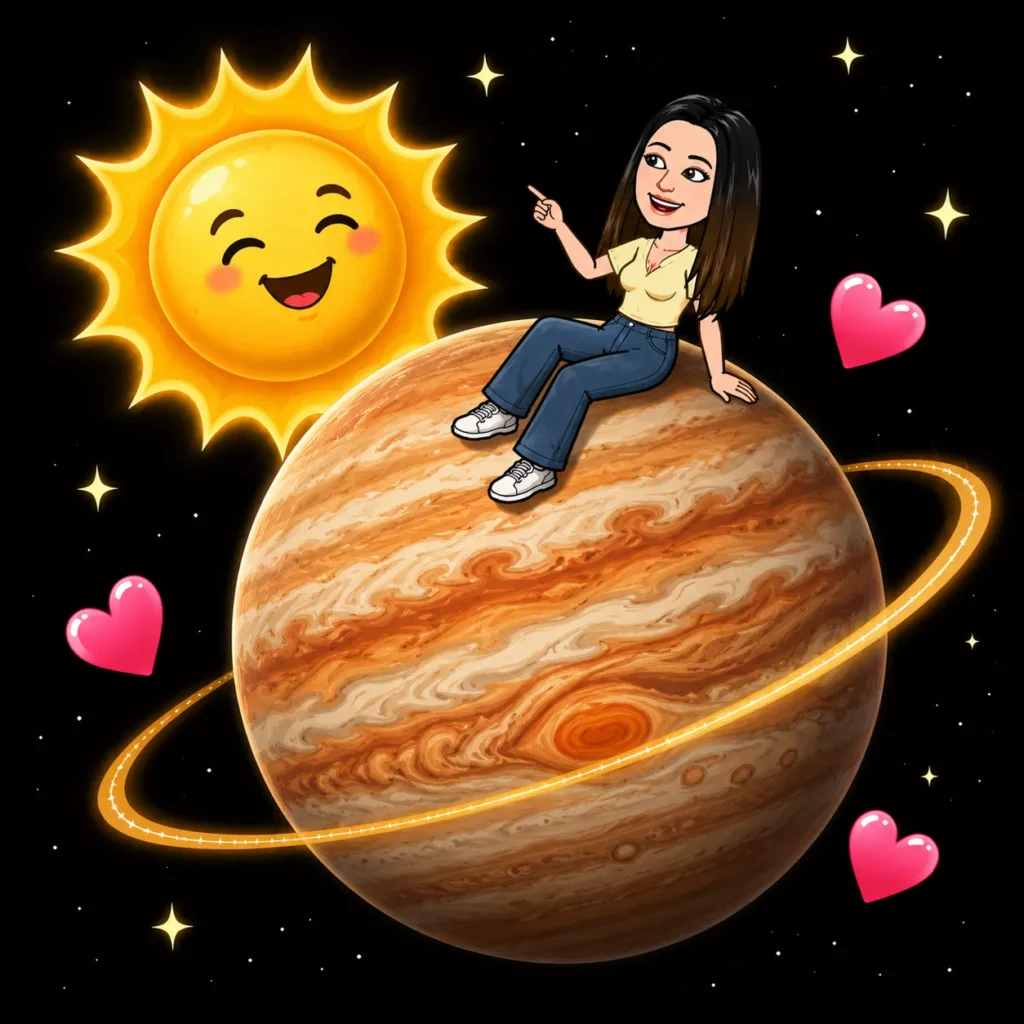
Jupiter
#5 Best Friend
Jupiter represents a close friendship that stays active over time. While interactions may not be daily, this friend still ranks high in your Best Friends list.
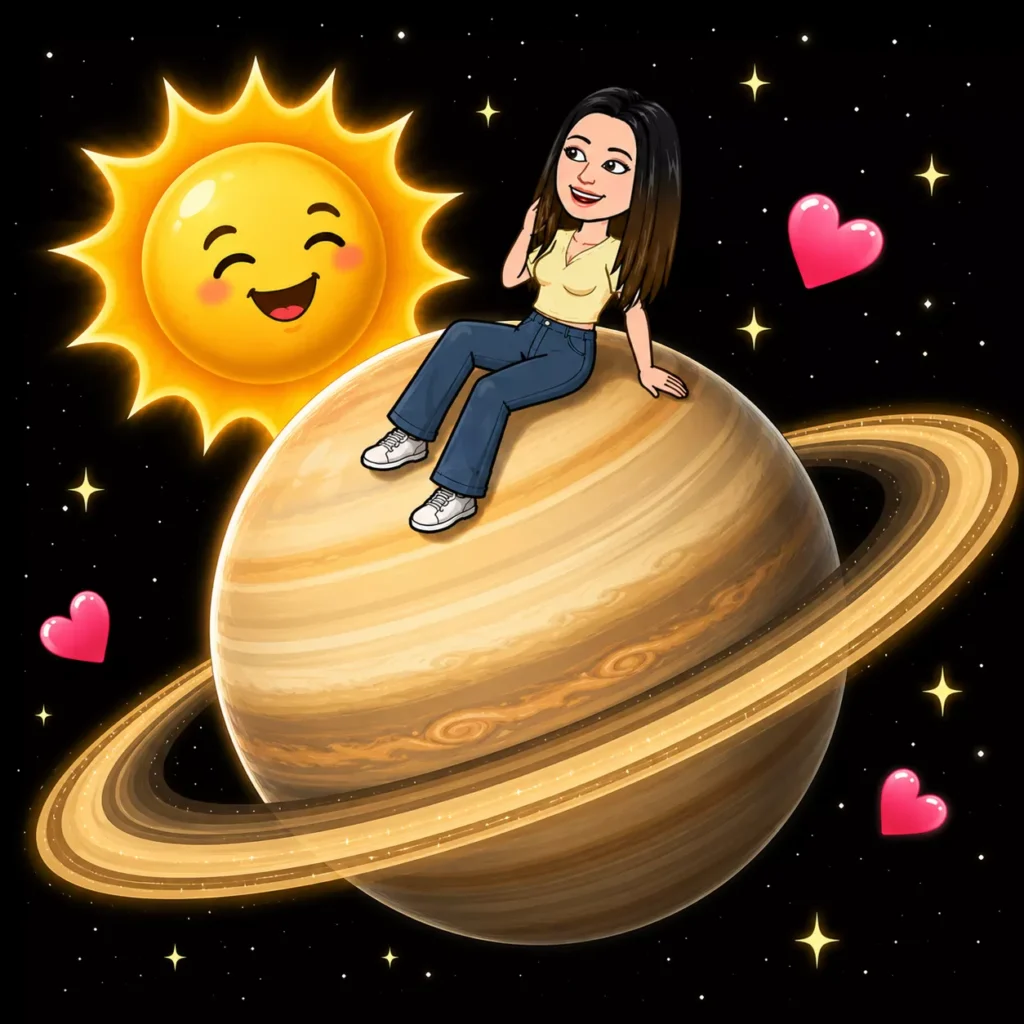
Saturn
#6 Best Friend
Saturn shows a friend you interact with regularly but less often compared to higher-ranked planets in your Snapchat solar system.
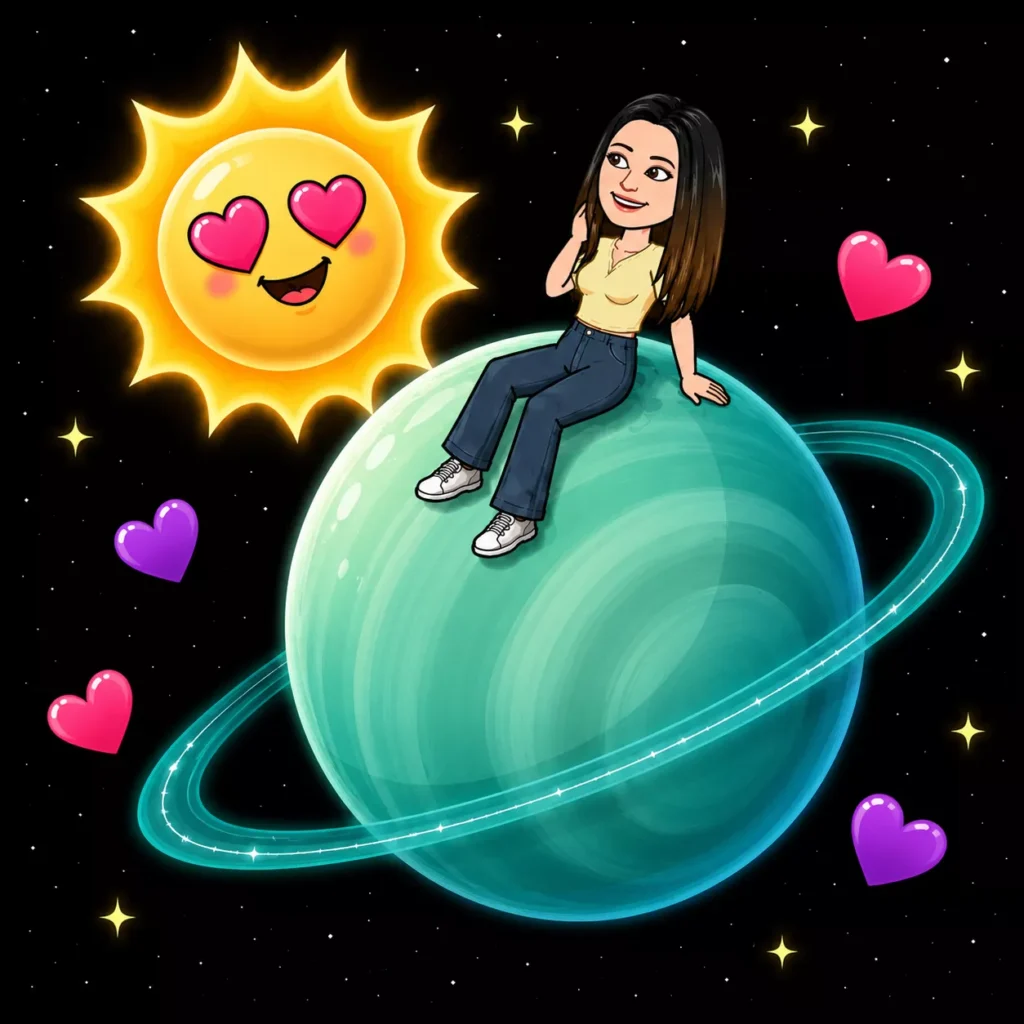
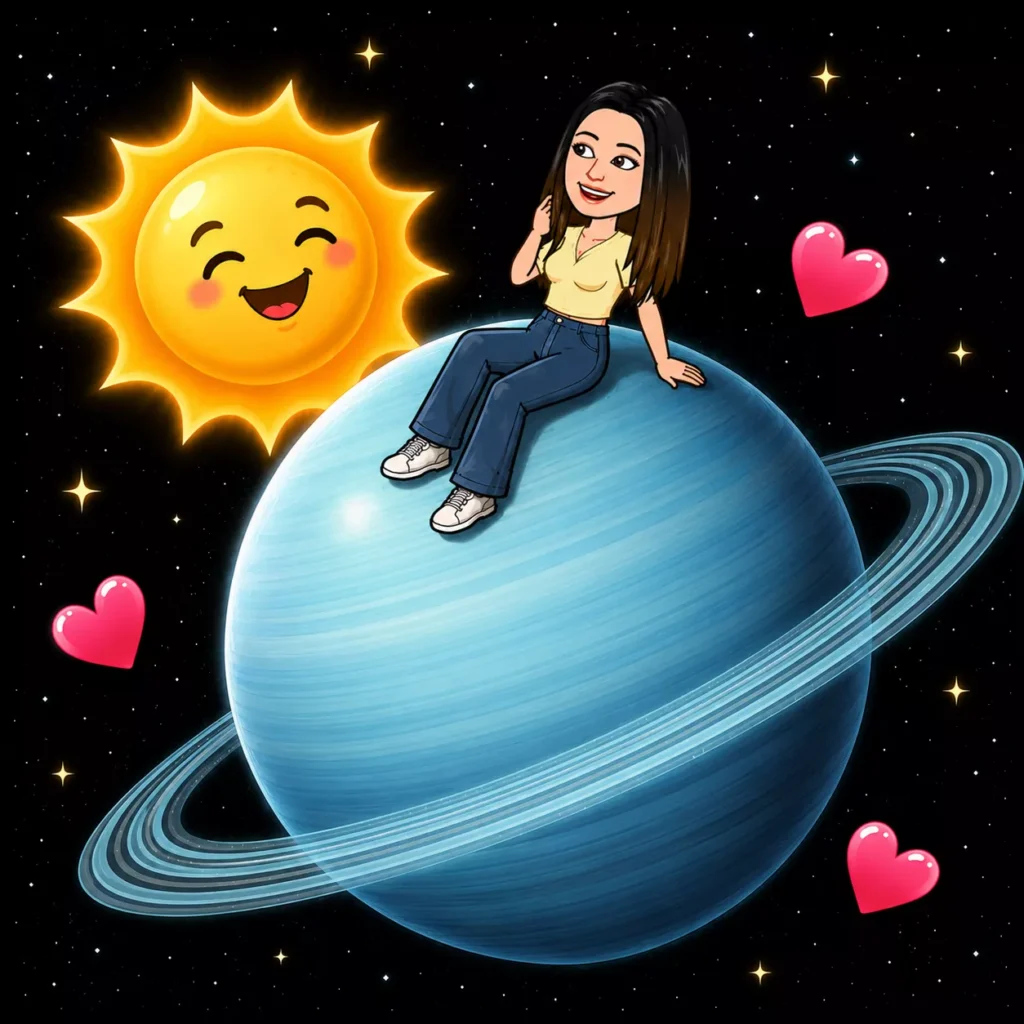
Uranus
#7 Best Friend
Uranus represents a Snapchat friend who still appears in your Best Friends ranking, although interactions happen less frequently.
Neptune
#8 Best Friend
Neptune is the farthest planet in the Snapchat solar system and represents your eighth closest Snapchat friend based on recent interactions.
Best Friend Badge vs Friend Badge: What Is the Difference?
When you visit a friend’s profile on Snapchat Plus, you will see one of two badges next to their name. Each badge tells you a different thing about your friendship status.
Best Friend Badge (Gold Ring)
You are BOTH in each other’s Top 8. It is a mutual two-way friendship: the strongest badge you can have.
Friend Badge (No Gold Ring)
You are in their Top 8 but they are not in yours. The interaction is one-sided on Snapchat.
How to see your planet:
Tap on either badge on a friend’s profile. A solar system animation will play and reveal which planet you are in their Friend Solar System.
Friend Solar System Privacy: Who Can See Your Planet?
Snapchat built this feature with privacy in mind. You are always in control of what others can see.
ℹ️ The Screenshot Loophole:
If someone screenshots their planet and shares it with you, you will know their position. But Snapchat does not share this automatically.
How to Check Your Planet in a Friend’s Solar System?
You are in their Top 8 but they are not in yours. The interaction is one-sided on Snapchat.
Step-by-Step Guide:
- Open Snapchat and go to your friend’s profile
- Look for the Best Friend (gold ring) or Friend badge near their name
- Tap the badge once
- A solar system animation will play
- Your highlighted planet is your position in their solar system
Important Notes:
If no badge appears, either they have disabled the feature or they do not have Snapchat Plus.
Snapchat Planets Quiz
Which planet describes your vibe? Let’s reveal your cosmic friend status right now!
Question?
YOUR OFFICIAL STATUS IS
EARTH
Result text load…
How to Enable or Disable Snapchat Solar System?
The feature does not turn on automatically. You need to enable it manually from your Snapchat Plus settings.
How to Enable Snapchat Planets:
- Open Snapchat
- Tap your profile icon (Bitmoji) in the top-left corner
- Tap the Snapchat+ banner or section
- Find ‘Friend Solar System’ in the list of features
- Toggle it ON
- Done! The feature is now active and your friends will see badges on your profile
How to Disable Snapchat Planets:
- Open Snapchat and go to your Profile
- Tap on the Snapchat+ section
- Find ‘Friend Solar System’
- Toggle it OFF
Note:
When you disable the feature, your friends will no longer see the Best Friend or Friend badge on your profile. They will not be able to tap and see their planet position in your solar system.
Tips to Improve Your Snapchat Planet Ranking:
Your planet ranking changes based on how consistently you interact. Here are the most effective ways to move closer to someone’s Sun.
- Send snaps every day: daily consistency matters most
- Keep streaks going: a 100+ day streak boosts your score significantly
- Reply quickly: fast responses signal active engagement
- React to their Stories: story interactions count toward ranking
- Chat through messages too, not just snaps
- Make video or voice calls: these are high-engagement interactions
- Keep the interaction mutual: two-sided engagement ranks higher
Pro Tip:
5 to 10 snaps daily over weeks works far better than 100 snaps in one day. Snapchat rewards consistency, not quantity.
How Often Do Snapchat Planets Update?
Snapchat has not confirmed an exact update schedule. Based on user reports, here is what we know:
- Rankings update dynamically based on your ongoing interactions
- Increased activity with someone can change their planet within a few days
- Stopping communication causes a friend to slowly drift further away
- A new active friend can overtake a previously close friend’s position
- Consistent daily engagement keeps your ranking stable
- Updates are not instant: the algorithm processes patterns over time
Think of planet rankings like a slow-moving graph. Consistent actions over time move the needle, not single-day bursts of activity.
Is Snapchat Planets Accurate?
Yes, it accurately reflects your in-app activity. The friend you interact with most will genuinely sit closest to your Sun. However, it does not fully represent real-life friendship because:
- A heavy Snapchat user ranks higher even if they are just a casual acquaintance
- A close real-life friend who rarely uses the app may appear as Neptune
- The algorithm only measures in-app activity, not emotional closeness or loyalty
- Planet positions are private and cannot be compared publicly
Snapchat Planets reflects your Snapchat activity accurately. Use it as a fun indicator, not the ultimate measure of friendship.
Social & Emotional Impact of Snapchat Planets:
Snapchat Planets can bring both positive and negative feelings, especially for younger users. Here is an honest look at both sides.
Positive Reactions:
- Excitement when discovering you are someone’s Mercury or Venus
- Motivation to maintain daily streaks and consistent communication
- A fun, visual way to see who your actual closest friends are on the app
- Conversation starter, sharing planet screenshots with friends
Negative Reactions:
- Anxiety when your planet position drops unexpectedly
- Feeling hurt when you discover you are someone’s Neptune despite feeling close
- Pressure to snap more just to improve your ranking
- Social comparison, comparing your planet positions with others
Important Perspective:
Snapchat Planets only measure app activity: not loyalty, trust, or real friendship. Do not let a planet position define how you feel about a relationship.
Snapchat Solar System Not Working? Here Is How to Fix It
Most planet issues are quick to fix. Find your problem below and apply the solution.
Badge not visible on friend’s profile
First check that your Snapchat Plus subscription is active. Then go to your Profile, open Snapchat+ settings, and make sure the Friend Solar System toggle is switched ON.
Planet position not changing
Planet rankings do not update right away. It takes a few days of consistent daily interaction before Snapchat reflects the change in your position.
Feature not showing in settings
Your app is most likely outdated. Update Snapchat from the App Store or Google Play Store and then check your Snapchat+ settings again.
Badges suddenly disappeared
Your Snapchat Plus subscription may have expired or your payment failed. Check your subscription status and make sure your payment method is working.
App crashing when tapping badge
Uninstall Snapchat from your phone completely and reinstall it fresh. Log back in and try tapping the badge again.
Seeing wrong planet position
Log out of Snapchat fully and log back in. Also clear the app cache from your phone settings before logging in again.
Feature enabled but no badges appear
Your friend has most likely turned off the Friend Solar System feature on their own account. When they disable it, no badges show on their profile at all.
If none of these solutions work, contact Snapchat Support directly. Snapchat Plus subscribers receive priority support, so your issue should be resolved quickly.
Difference Between Friends and Best Friends on Snapchat:
Snapchat treats friends and best friends differently. The distinction affects which badge you see and how the planet system works for each relationship.
Feature | Friend | Best Friend |
|---|---|---|
Badge | Plain Friend Badge | Gold Ring Best Friend Badge |
Meaning | You are in their Top 8 | You are BOTH in each other’s Top 8 |
Mutual? | One-sided | Two-sided (mutual) |
Planet Visibility | Yes (with Snapchat Plus) | Yes (with Snapchat Plus) |
Friendship Emojis | Basic emoji system | Special emojis: Yellow Heart, Red Heart, etc. |
How to achieve | Interact with them frequently | Both of you interact frequently with each other |
Extended Best Friends List vs Snapchat Planets List
Snapchat originally used emoji icons to show friendship levels. In 2022, Snapchat Plus replaced this with the much more visual planet system. Both track your Top 8 friends, but in very different ways.
Feature | Old Emoji System (Free) | Snapchat Planets (Snapchat+) |
|---|---|---|
Visual Style | Small text emojis | Animated 3D planets |
Friend Limit | Top 8 friends | Top 8 friends |
Accessibility | All Snapchat users (free) | Snapchat Plus subscribers only |
Detail Level | Basic: emoji only | Detailed: planet, color, position |
Fun Factor | Simple and straightforward | Highly visual and engaging |
Launched | Original Snapchat feature | June 2022 with Snapchat Plus |
The Planets system is a more premium, visual upgrade to the older emoji-based best friend tracking. Both systems track the same Top 8 friends but Planets does it in a much more creative and visually engaging way.
Frequently Asked Questions (FAQs)
Do Snapchat Planets update automatically?
Yes, Snapchat Planets update on their own as your interaction with friends changes over time. You don’t need to refresh or adjust anything manually.
Are Snapchat Planets the same as Best Friends emojis?
No, Snapchat Planets and emojis are different features. Emojis can be visible to others, while planets are private and only visible to you.
Can Snapchat Planets disappear suddenly?
Yes, planets can disappear if the Friend Solar System is turned off, Snapchat Plus expires, or the friend is no longer in your Best Friends list.
Do Snapchat calls affect Planet rankings?
Calls may have a small impact, but snaps and chats usually matter more. Consistent daily interaction plays a bigger role than occasional calls.
Can two people see different planets for each other?
Yes, planet positions are not always mutual. You may appear as a different planet in someone’s Solar System than they appear in yours.
Are Snapchat Planets accurate?
Snapchat Planets are based on interaction patterns, not emotions or real-life closeness. They reflect activity inside the app, not the quality of a friendship.
Can you reset or control Snapchat Planets manually?
No, there is no manual reset or control for planet rankings. They change automatically based on how you interact on Snapchat.
Is Snapchat safe for younger users?
Snapchat includes privacy controls, but parental guidance is important for younger users. Features like Planets are private, which helps reduce public comparison.