Quick Answer:
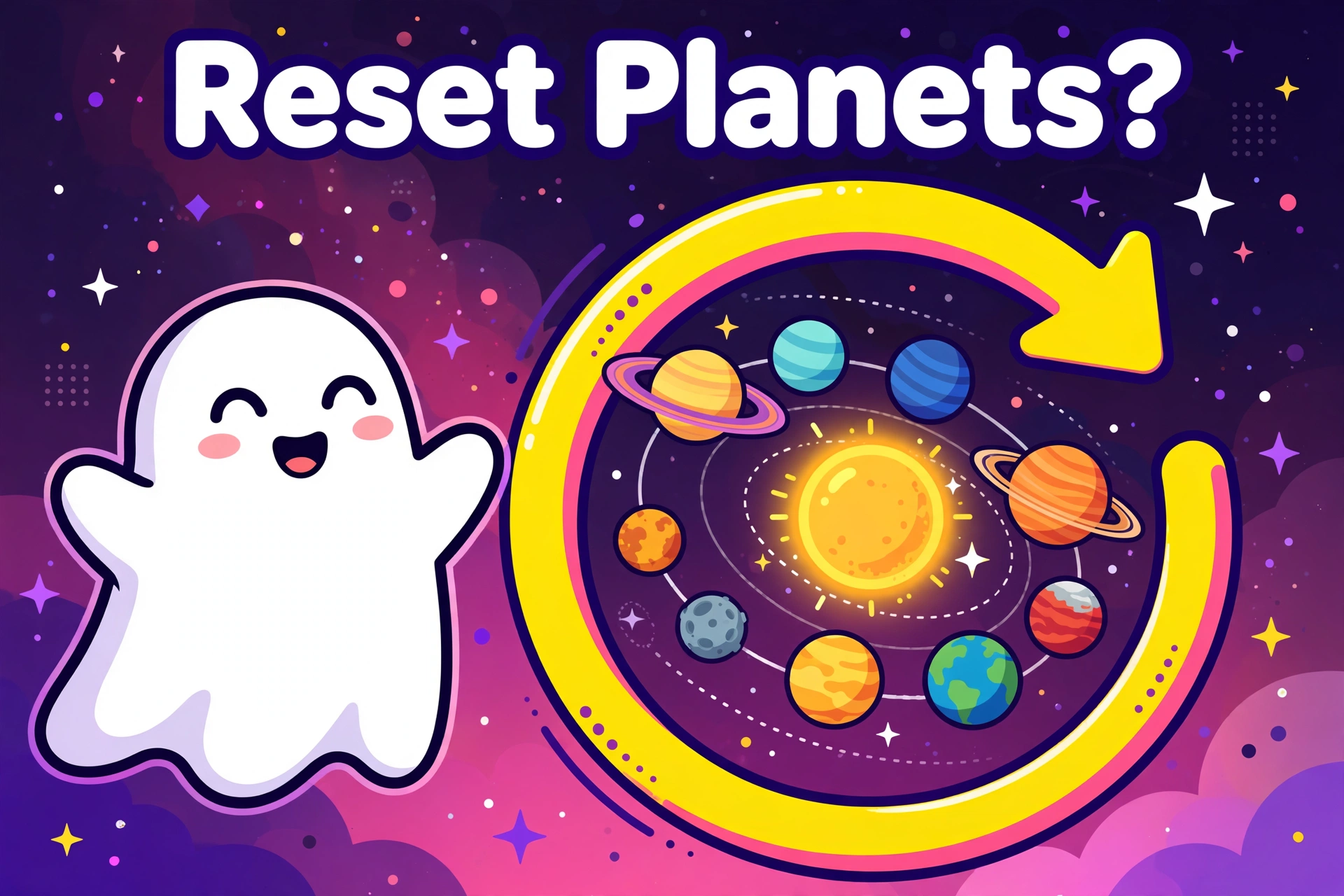
There is no reset button for Snapchat planets. Snapchat never built one. The only thing that changes your planet ranking is your recent snapping and chatting activity — so the closest thing to a “reset” is changing who you interact with and giving it time.
Is There a Reset Button for Snapchat Planets?
No. There is no button, setting, or trick that wipes your Friend Solar System clean and starts it over. Anyone telling you otherwise — a “secret reset code,” a hidden menu, a third-party app — is not telling the truth.
This is worth saying clearly because the question comes up constantly. People want a fresh start after a friendship changes, after a breakup, or just because their solar system feels messy. The honest answer is that Snapchat does not offer a clean slate. What it does offer is a ranking that follows your habits, and habits can change.
What Actually “Resets” Your Planet Ranking
Your planets are just a visual version of your Best Friends list, and that list follows one rule: recent activity decides everything. So the closest thing to a reset looks like this:
Change who you snap and chat with most. The people you interact with daily float toward Mercury. The people you go quiet on drift outward toward Neptune — and eventually off the list entirely. This is the whole mechanism. There is nothing else behind it.
Give it time. The list reflects weeks of habits, not one day. If you stop snapping someone today, they will not vanish from your solar system tomorrow. But after a few weeks of new patterns, your top eight will look different. That is the reset, happening gradually.
Removing someone works instantly — but it is drastic. If you remove or unfriend someone, they leave your Best Friends list completely. No list spot means no planet. Only do this if you actually want them gone as a friend, not just off a planet.
What Does NOT Reset Your Planets
A lot of “fixes” going around do nothing to the ranking. Save yourself the trouble:
- Turning the Solar System toggle off and on. This only hides the feature from your view and brings it back. Your ranking underneath never changes. (Full details in our turn off Snapchat Planets guide.)
- Reinstalling the app. This clears local data on your phone, not your ranking on Snapchat’s servers. Your planets will look exactly the same after you log back in.
- Clearing cache. Same story — it frees phone storage, nothing more.
- Logging out and back in. Your account data, including rankings, is stored by Snapchat, not on your device.
How to Start Fresh With Your Top 8
If what you really want is a solar system that reflects your life now, here is the honest playbook:
- Decide who belongs close. Your daily snaps and chats are votes. Spend them on the people you actually want near Mercury.
- Go quiet on the rest — naturally. You do not need to announce it or block anyone. Just let old patterns fade.
- Keep it two-sided. Back-and-forth conversation moves the ranking. One-sided snapping barely does.
- Wait a few weeks. Check back and you will see a solar system that matches your current friendships. That is as close to a reset as Snapchat gets.
If your planets vanished entirely instead of just feeling stale, that is a different problem — our disappearing planets troubleshooter covers every cause.
Frequently Asked Questions:
Can I reset my Snapchat planets to zero?
No. There is no way to empty your solar system while keeping your friends. The closest option is removing friends, which is permanent until you re-add them.
Does deleting and reinstalling Snapchat reset planets?
No. Reinstalling only clears data on your phone. Your planet ranking lives on Snapchat’s servers and stays exactly the same.
Will turning the Solar System off and on reset my ranking?
No. The toggle only controls whether you can see the feature. Your underlying ranking does not change.
How long does it take for my planets to refresh after I change my habits?
There is no fixed timer — Snapchat does not publish one. In practice, the list follows weeks of activity, so expect gradual change over days and weeks, not overnight.
Conclusion:
You cannot reset Snapchat planets with a button because no such button exists. But you do not need one. Change who you talk to every day, give it a few weeks, and your solar system will rebuild itself around your real friendships. That slow reset is the only real one — and it is also the most honest.