
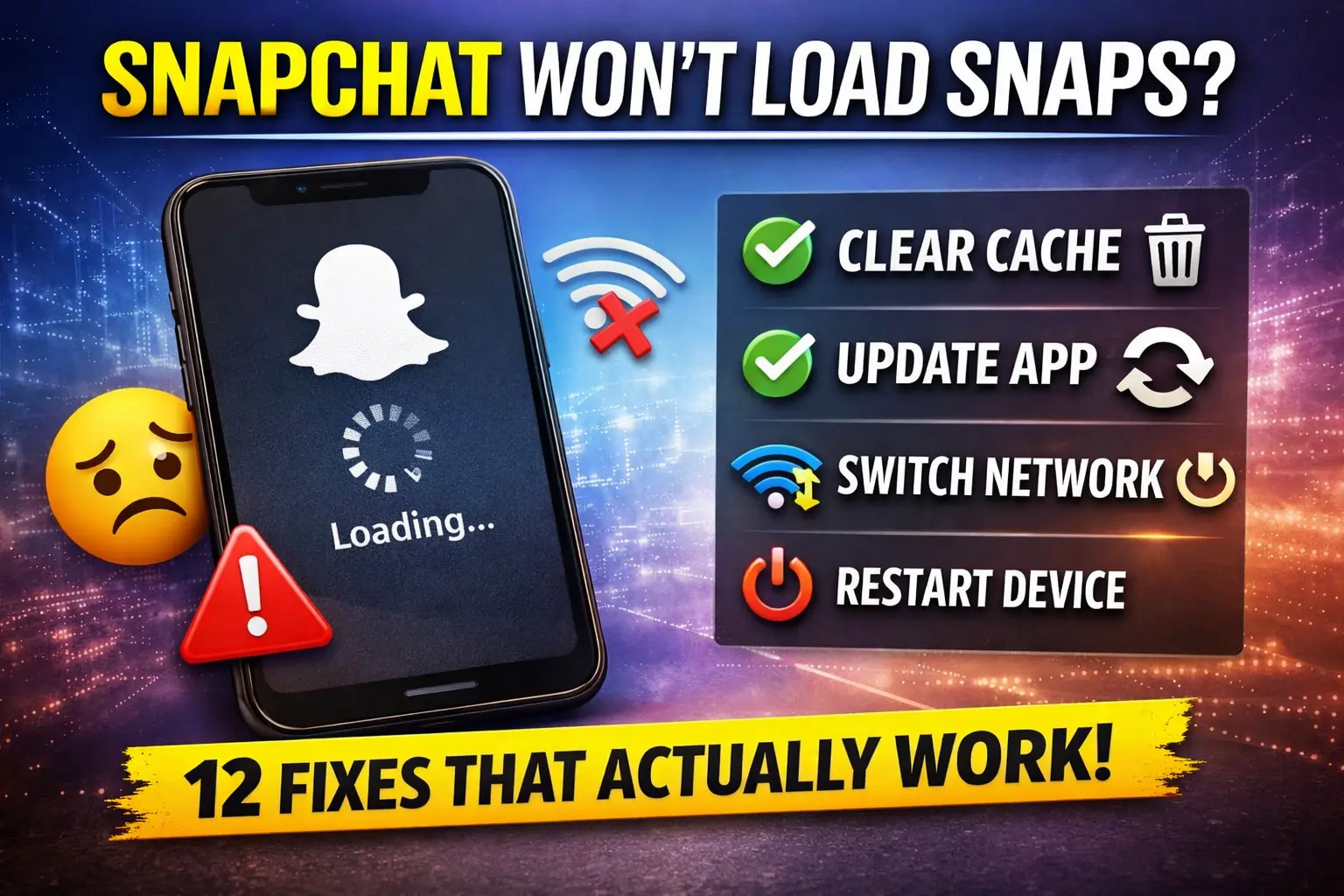
Quick Answer:
If Snapchat won’t load your Snaps, check your internet connection first and clear Snapchat’s cache. If that doesn’t fix the problem, update the app, restart your phone, or reinstall Snapchat.
How to Fix Snapchat When Snaps Won’t Load
Follow these simple steps to load your saved snaps or send snaps:
1. Check Your Internet Connection
A weak or unstable connection can stop Snaps from loading properly. Try switching from Wi-Fi to mobile data, or from mobile data to Wi-Fi, and then open the Snap again.
You can also turn Airplane Mode on for a few seconds and turn it off. This can refresh your phone’s connection.
2. Clear Snapchat’s Cache
Snapchat stores temporary data to help the app run faster. If that data causes a problem, clearing the cache can help.
In Snapchat, go to Profile → Settings → Clear Cache and follow the instructions on screen.
Clearing the cache does not remove your saved Memories.
3. Update the Snapchat App
An older version of Snapchat may have bugs or compatibility problems that affect how Snaps load.
Open the App Store on iPhone or Google Play Store on Android, search for Snapchat, and install an update if one is available.
4. Restart Your Phone
A simple restart can fix temporary problems with the app, internet connection, or your phone’s system.
Turn your phone off, wait a few seconds, turn it back on, and then open Snapchat again.
5. Check Your Phone’s Storage
If your phone is almost full, apps can sometimes have trouble saving or loading temporary files.
Check your available storage and remove files or apps you no longer need. After freeing up some space, reopen Snapchat and try loading the Snap again.
6. Check If Snapchat Is Having Problems
Sometimes the problem isn’t with your phone at all. Snapchat can experience temporary service problems that affect Snaps, Stories, chats, or other features.
If Snaps suddenly stopped loading while everything else on your phone is working normally, check whether other Snapchat users are experiencing the same issue.
7. Check Snapchat’s App Permissions
Your phone may be restricting Snapchat from using certain features or data.
On Android, open Settings → Apps → Snapchat → Permissions and review the available permissions.
On iPhone, go to Settings → Snapchat and check the permissions and data options available for the app.
8. Turn Off a VPN
If you are using a VPN, temporarily turn it off and try Snapchat again.
A VPN can change your network connection and, in some situations, interfere with how an app connects to its servers. If Snapchat starts working after disabling it, the VPN connection may be involved.
9. Reinstall Snapchat
If Snapchat still won’t load Snaps after trying the easier fixes, reinstalling the app can help with corrupted app files.
Before uninstalling Snapchat, make sure you know your login details and that important Memories have been backed up. Then remove the app, download it again from the App Store or Google Play Store, and sign back in.
10. Reset Your Network Settings
If Snaps won’t load because of a network configuration problem, resetting your network settings may help.
Keep this as a later step because it can remove saved Wi-Fi networks and other network information from your phone. You’ll need to connect to your Wi-Fi networks again afterward.
Is Snapchat Down Right Now?
Snapchat does not appear to be experiencing a widespread outage right now. A current status check shows Snapchat as operational, although a small number of user reports may still occur.
If Snapchat is not loading Snaps for you while the service is working for other people, the problem is more likely related to your internet connection, app, device, or account. Snapchat also notes that connection problems can prevent the app from communicating with its servers.
If the problem affects many Snapchat users at the same time, however, there may be a temporary service issue. In that case, waiting for Snapchat to resolve it is usually the best option.
If the problem still isn’t fixed, watch this video for a step-by-step solution.
Conclusion
When Snapchat won’t load your Snaps, start with the simple solutions first. Check your internet connection, clear the Snapchat cache, update the app, and restart your phone. If the problem continues, check whether Snapchat is experiencing an outage, turn off your VPN, or reinstall the app.
If none of these solutions work, the problem may require further troubleshooting or help from Snapchat Support.
FREQUENTLY ASKED QUESTIONS
How do I clear Snapchat cache without losing data?
Clearing Snapchat cache is completely safe and won’t delete your snaps, memories, or messages. Go to Profile > Settings > Clear Cache > Clear All. This only removes temporary files that help the app load faster but can become corrupted. Your saved content remains intact.
Will updating Snapchat fix loading issues?
Yes, updating to the latest Snapchat version often fixes loading issues because updates include bug fixes, performance improvements, and compatibility patches. Check your App Store or Google Play Store for available updates. This solution works for about 60% of users experiencing loading problems.
Why do snaps load on WiFi but not on mobile data?
This indicates a mobile data restriction. Check if Snapchat has permission to use mobile data in your phone’s Settings > Apps > Snapchat > Mobile Data. Also verify you haven’t exceeded your data plan limit or have data restrictions enabled for Snapchat.
Can a VPN cause Snapchat loading problems?
Yes, VPNs can interfere with Snapchat’s ability to load content. Snapchat may block certain VPN IP addresses or have connectivity issues through VPN servers. Try disabling your VPN temporarily to see if snaps load. If they do, switch to a different VPN server location.
Can a Snapchat Snap fail to load after it expires?
Yes. If a Snap is no longer available, you may not be able to open it even if your internet connection and Snapchat app are working normally.
Why does Snapchat show a black screen instead of the Snap?
A black screen can happen because of a temporary app or loading problem. Close Snapchat completely and open it again. If the problem continues, try clearing the cache or updating the app.
Can low phone storage affect Snapchat?
Yes. When your phone has very little free space, Snapchat may have trouble storing temporary files and loading content properly. Freeing up some storage can help.